
GUEST UPLOAD LINKS
Photographers, staff, and guests can upload through a branded link. Everything lands in Tagbox already sorted into the right collections with the right tags.

Stop Juggling Random File Links
Collecting content is messy — people send you WeTransfers, Drive links, emails, and WhatsApps, leaving you to organize everything. With Guest Upload Links, everyone uses the same streamlined drag-and-drop flow, and everything stays perfectly consistent.
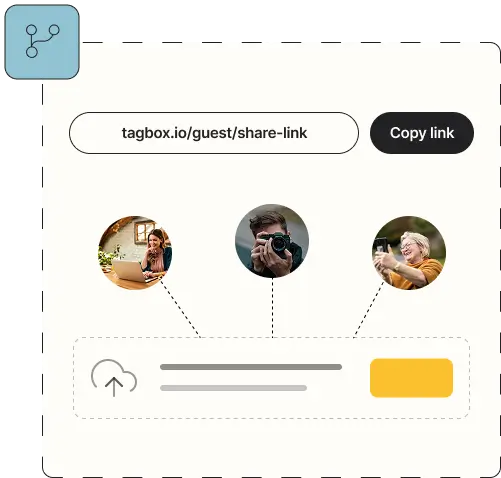
how it works
Create upload links with preset tags

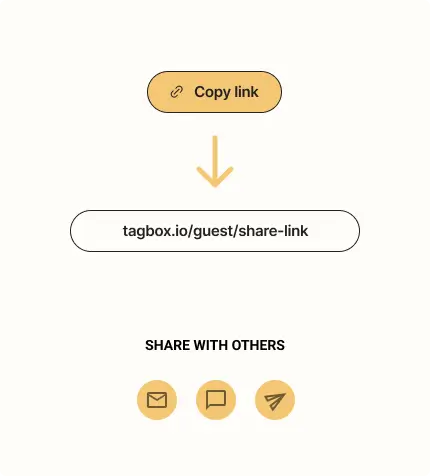

Photographers, staff, or guests drag & drop

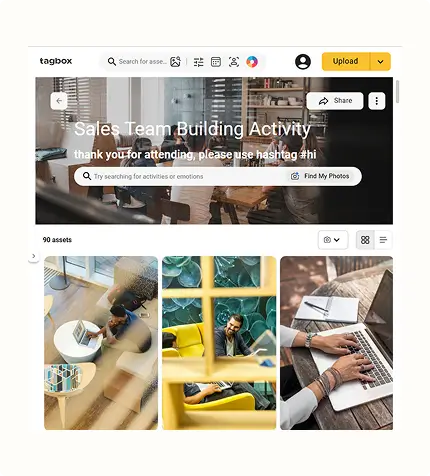
Receive organized photos and videos
Who it’s for
Photographers
Collect full galleries or selects through a branded link, already sorted into the right collections.
Staff
Let on-site teams quickly share behind-the-scenes photos and videos without sending links or messages.
Guests
Capture unique attendee perspectives and let them upload instantly with a simple drag-and-drop.
UGC
Gather customer photos and videos for social proof, ads, and product pages - without chasing files.
Influencers
Have creators upload branded content directly into the right collection with one simple link.
Field Teams
Receive in-store displays, shelf photos, or product placements from reps across multiple locations.
Frequently Asked Questions
Do uploaders need an account?
No. Anyone can upload through the link — no login required.
Can I control where uploads go?
Yes. Choose a destination collection and preset tags for every link.
How do I track who uploaded what?
Uploaders enter their email before uploading, and Tagbox records ownership automatically.
Can I create multiple upload links?
As many as you need — for events, projects, photographers, or creators.
Is there a limit on file types or sizes?
No. Photos, videos, and common formats all work seamlessly.
Can links expire for security?
Yes. Set an expiration date and uploads stop automatically.
Can I brand the upload page?
Yes. Add your logo and cover image for a consistent, on-brand experience.
Guest uploads are the first step in a streamlined workflow. See how event teams combine upload links with face recognition, AI tagging, and sponsor galleries in our Event Photo Management guide →