
What's new in Tagbox.io / Copyrights
This update is all about staying on the right side of your licenses - plus a beautiful new way to show your media off.
Four new things this month - one for anyone working with licensed media, a big upgrade to our AI connector, and two that just make everyday work nicer. Let's jump in!
1. Copyrights: know exactly what you're allowed to use
If your files come with strings attached - photographer contracts, stock licenses, model releases - you've probably been tracking them in a spreadsheet. Or in someone's head.
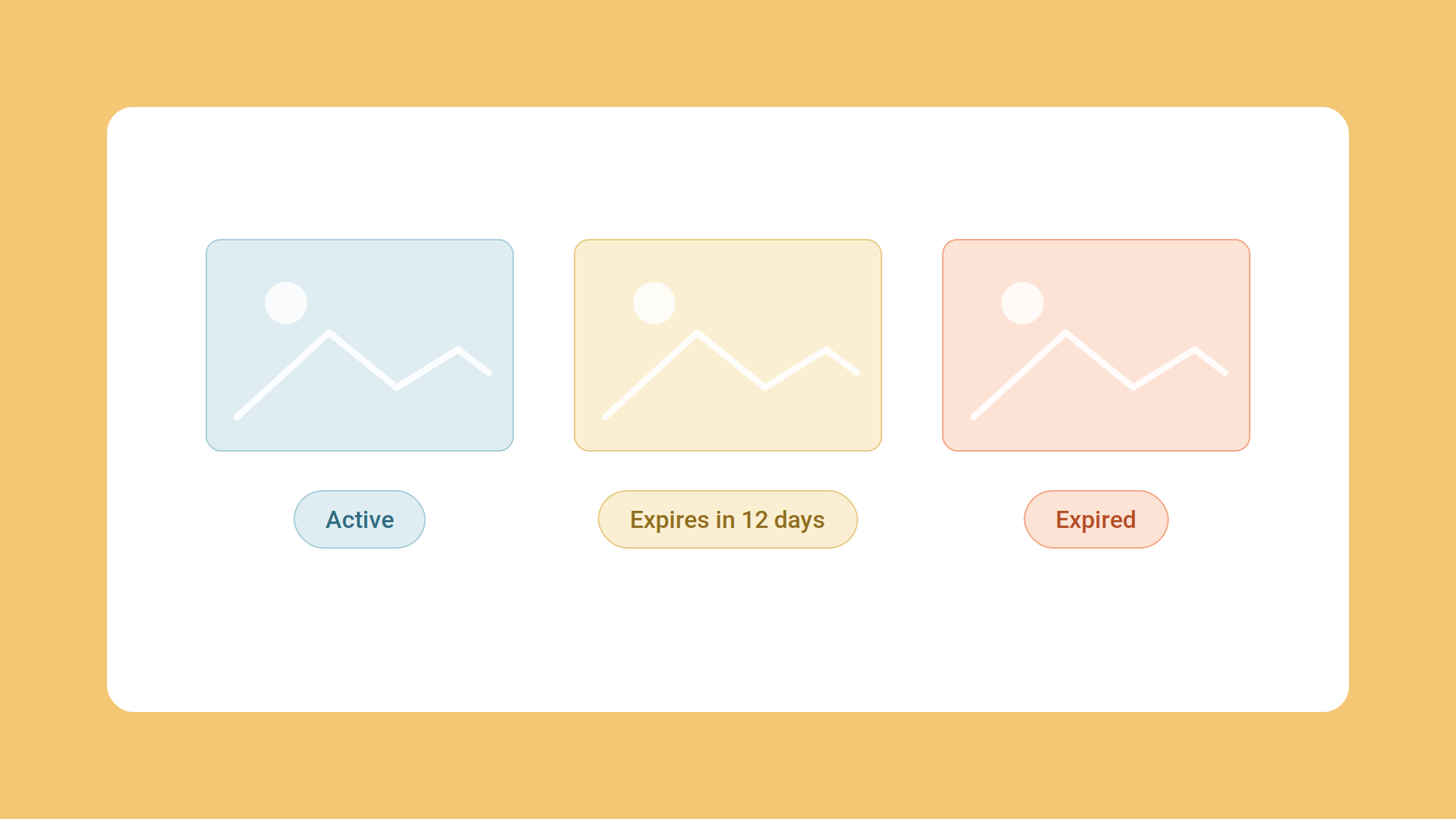
Say hello to Copyrights. Define your own fields - expiration date, allowed channels, licensor - and fill them in on upload or in bulk. Then set expiration rules, and Tagbox.io will either warn your team that a file is about to expire or block it outright. You can also filter for what's expiring soon and decide what to renew and what to retire - before it becomes a problem.
2. Your Claude and ChatGPT connector can now organize, not just find
We launched the Claude and ChatGPT Connector (MCP) two months ago, and it's quickly become one of the most-used things we've shipped. But as an early version, it was limited to search and upload. The request back was always the same: let it do more work with it.
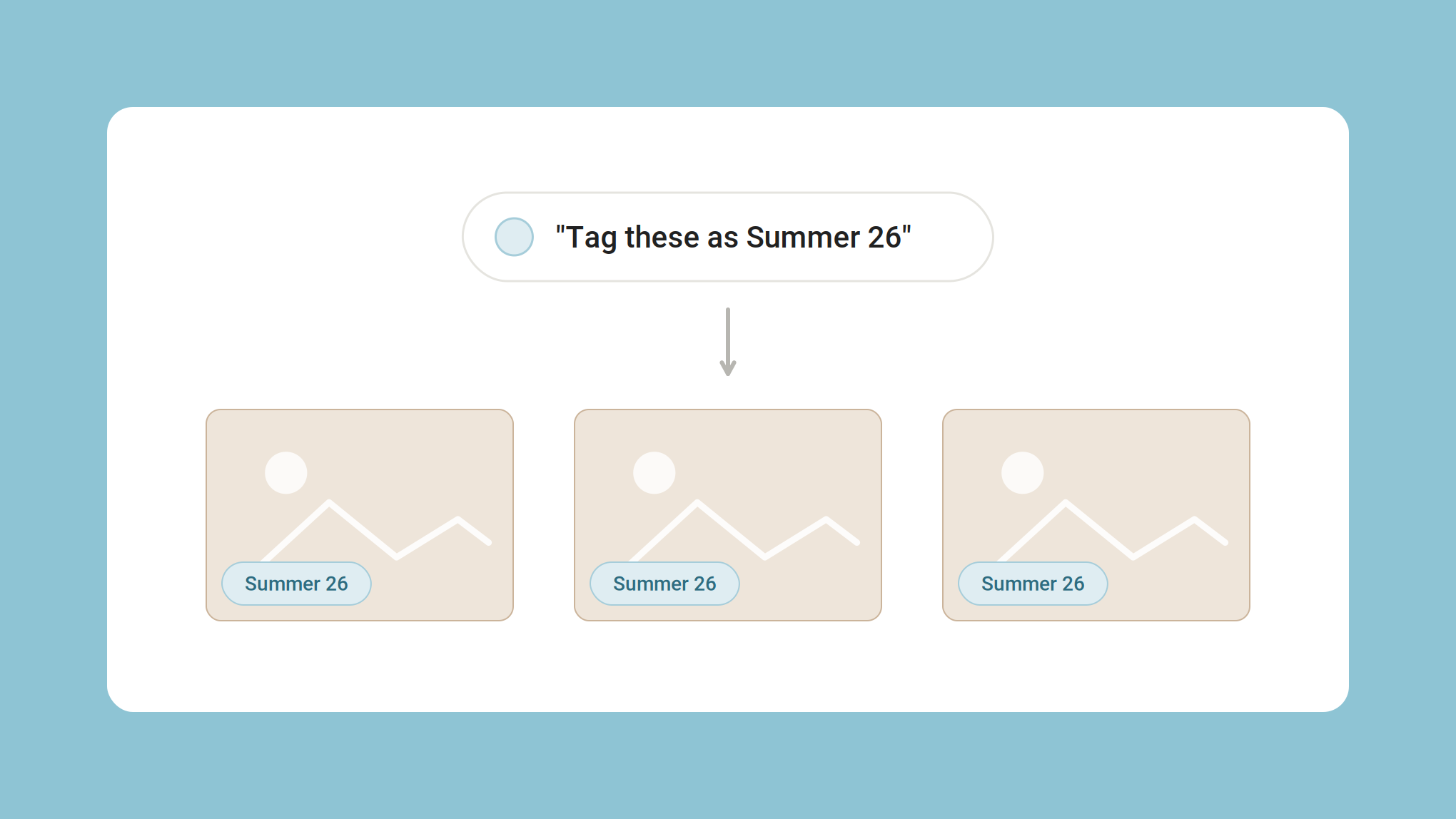
Now you can. Ask Claude or ChatGPT to tag a batch of files, star-rate them, rename a tag, reorganize your categories, build a collection, or put a name to a face - and it happens right in your library. Ratings read back too, so culling turns into a conversation: rate the keepers five, then ask for everything still unrated.
Your copyright rules travel with it. A file whose usage rights have expired comes back blocked - the assistant can't pull it, share it, or pass it on to another tool. What you set in Copyrights holds wherever your library turns up.
It can also read your video transcriptions, and set up guest upload links with their tags and expiry already filled in. To see the new tools in your connector, you'll need to reconnect Claude/ChatGPT. All of it is on the API too, so if you're building your own tools you get the same set - available to Pro and Enterprise. Setup steps are in the Help Center.
3. Slideshows: your media on the big screen
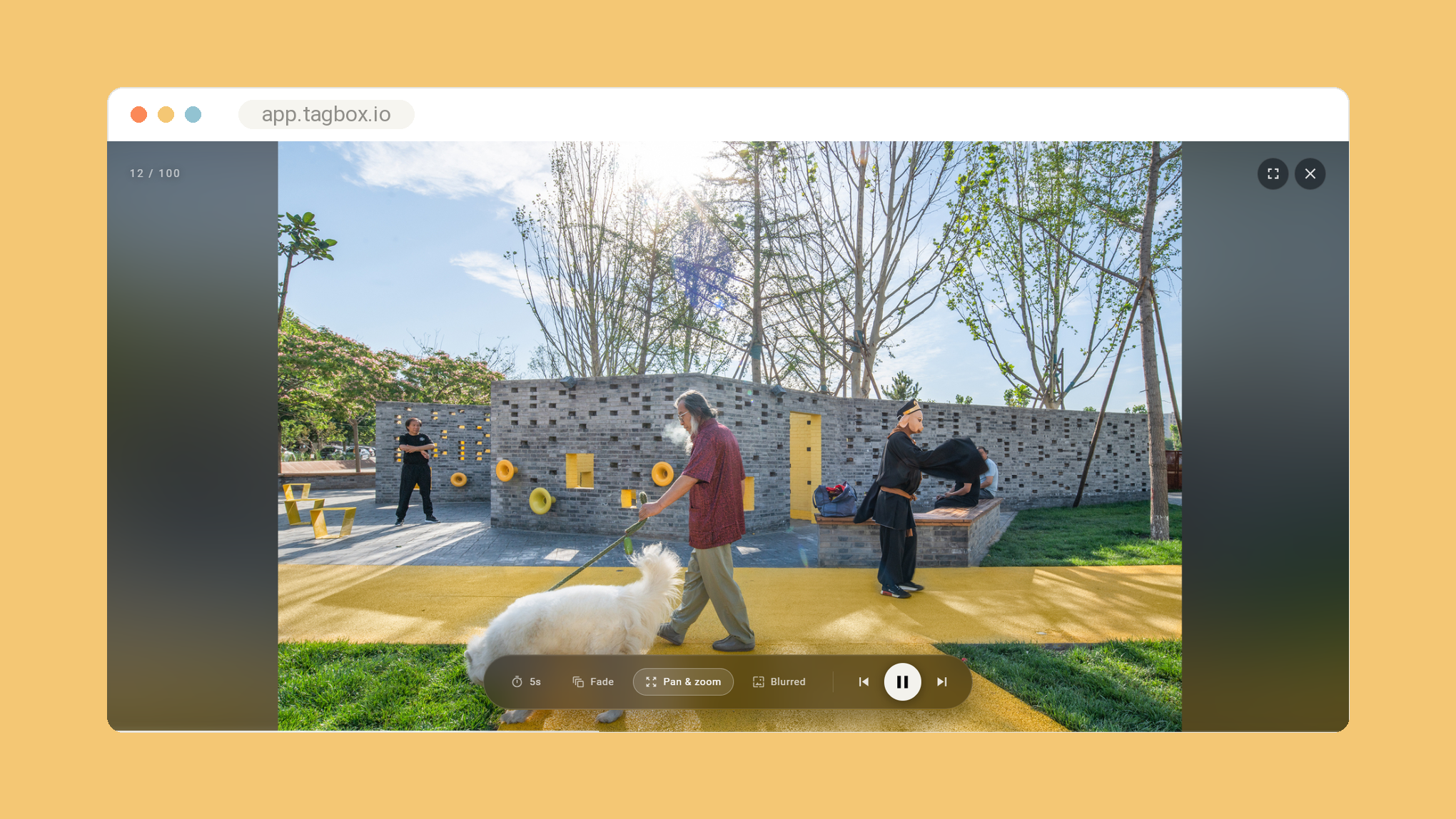
This one's just lovely. Any collection can now play as a full-screen slideshow - made for live events, reception screens, showrooms, or a client meeting where you'd rather let the photos talk.
Turn it on in Settings, then launch it from any collection. Set how long each slide holds, pick your transitions, and let it run.
It's a small feature with a big "ooh" factor. At an event, the photos you shot an hour ago can be up on screen while the party's still going.
4. Transcriptions: minutes, not hours
For everyone managing video, we rebuilt the engine behind transcriptions. Two things changed.
First, speed. What used to take hours now takes minutes, so your video is searchable by what's said in it almost as soon as it lands.
Second, your words, not just any words. Transcriptions now take your own vocabulary into account - your company name, your products, your partners, the terms a generic model has never heard. Those are exactly the words you search for later, and exactly the ones that used to come back mangled.
That's it for now, but there's always more coming - and most of it comes straight from your feedback. Got a thought or a request? We're always listening at hello@tagbox.io. 🙌
gimme more!
Sign up to get the latest stories about Creative Teams and how they work, straight to your inbox.